Create a Unique Music Ambience for Your Restaurant
Manage the playback of your licensed audio content.
Create and customize your own playlists for every occasion – from relaxed atmospheres to energetic moments.
Advanced playback options: balanced volume levels, automatic scheduling, content filtering, and continuous playback without interruptions.
Add your own jingles and announcements to enhance the music ambience and communicate important information.
Free Trial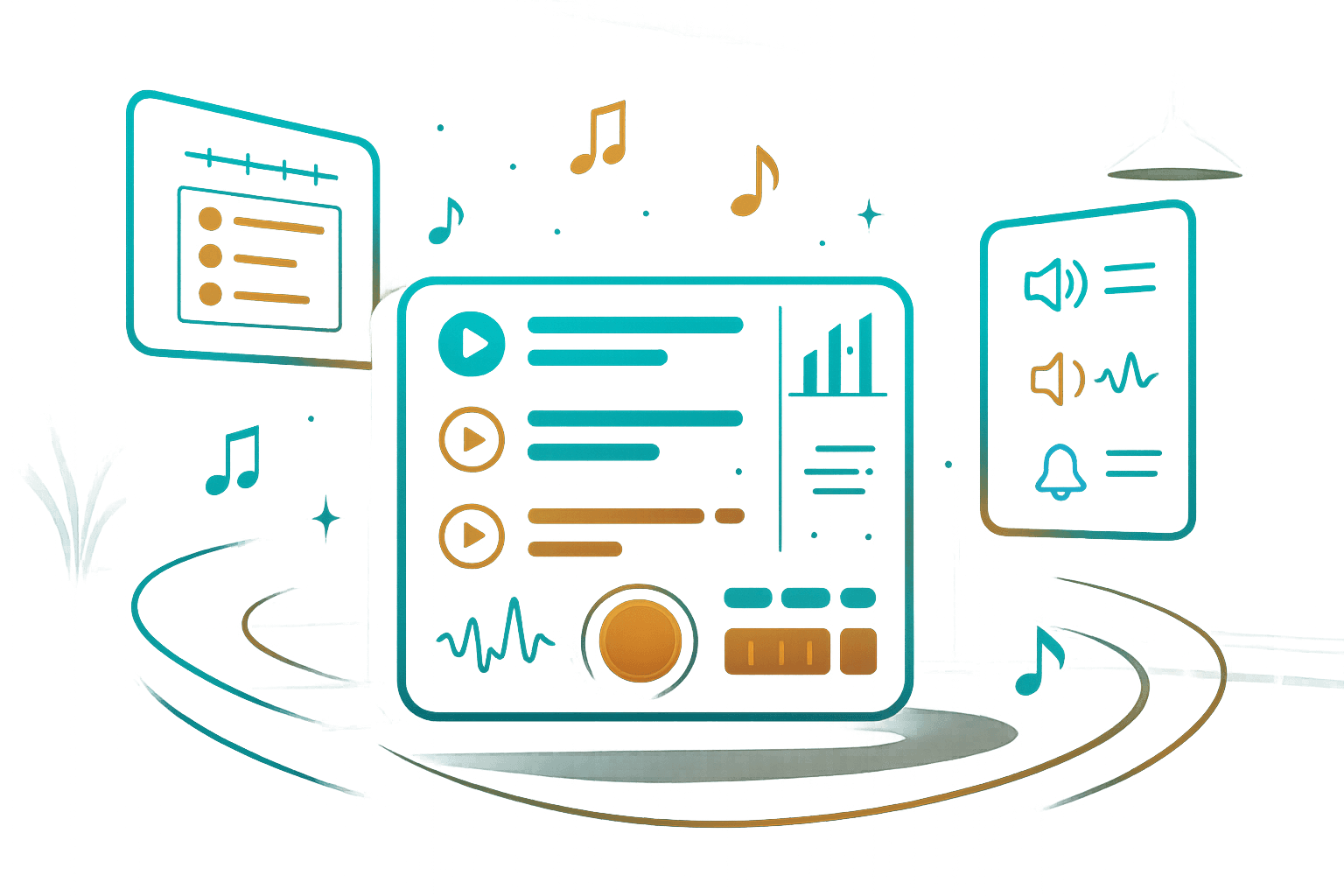
Music Identity
Create an atmosphere that reflects the character of your space
The perfect atmosphere with your own playlists
Organize and manage playback of your licensed audio content, regardless of your business type.
Create unique playlists that match your ambience and business needs.
Shape a music ambience that naturally adapts to your space and guests.
Music that follows your daily rhythm
Precisely schedule playlists for every day of the week.
From morning atmosphere to evening hours, each part of the day can have its own music identity.
Manage playback so it follows the rhythm and atmosphere of your venue.
Marketing – subtle and effective
Add or record your own ads and jingles that blend seamlessly into the music flow.
Ideal for announcing events, promoting special offers, or strengthening your brand.
All without disturbing the ambience and guest experience.
Automatic playback monitoring
The system continuously monitors audio playback.
In case of interruption, you receive a notification to maintain full control.
Continuous, even without internet
If the internet connection is lost, the system switches to offline mode and continues playing available content.
The music ambience remains stable regardless of technical challenges.
Simple and efficient interface
Configure all features quickly using an intuitive interface.
All changes are applied instantly, enabling real-time management.
How Tunnel Player Works
Three simple steps to the perfect music ambience
Manager
The manager logs in and configures playlists and features through the interface.
Staff
Authorized staff starts playback with a single click.
Automation
Tunnel Player automatically executes all defined processes without manual control.