Background Music
Digital QR Menu
Bring style and efficiency to your business space with Tunnel Player software for background music and a digital QR menu that gives guests fast and easy access to your offer.

Create a unique music atmosphere
Manage the playback of your audio content.
Create and customize your own playlists for every occasion — from a relaxed atmosphere to more energetic moments.
Advanced playback options include consistent volume levels, automatic music scheduling by time of day, content filtering and uninterrupted playback.
Add your own jingles and announcements to enhance the atmosphere and share important information. An ideal solution for restaurants, cafés, bars, clubs, boutiques, hotels, stores, salons, shopping malls and other businesses.
Free Trial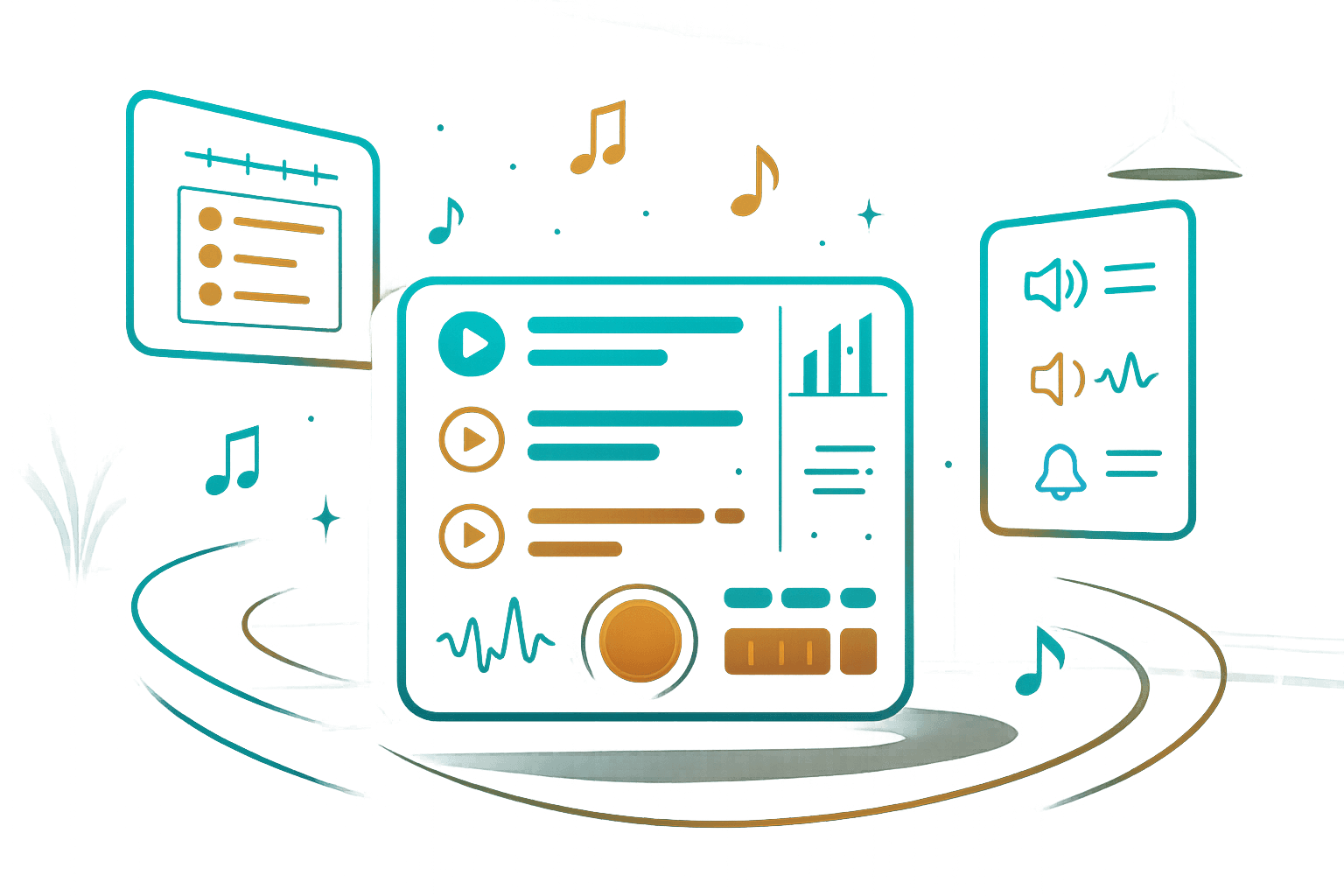
Music identity
Create an atmosphere that reflects the character of your space
The perfect atmosphere with your own playlists
Organize and manage playback of your audio content, regardless of business type.
Create unique playlists that match your ambience and business needs.
Shape a music atmosphere that naturally adapts to your space and guests.
Music that follows the rhythm of your day
Schedule playlists precisely for every day of the week.
From a calmer daytime atmosphere to more dynamic periods, every part of the day can have its own music identity.
Manage playback so it follows the rhythm and atmosphere of your venue.
Marketing – discreet and effective
Add or record your own ads and jingles that blend naturally into the music flow.
Ideal for announcing events, promoting special offers or strengthening your brand.
All without disrupting the ambience or the experience of your guests.
Automatic playback monitoring
The system continuously monitors audio content playback.
If playback is interrupted, you receive a notification so you can stay in full control.
Uninterrupted, even without internet
If the internet connection is lost, the system switches to offline mode and continues playing available content.
The music atmosphere remains stable regardless of technical challenges.
Simple and efficient interface
Set up all features quickly through an intuitive interface.
All changes are applied instantly, enabling real-time management.
How Tunnel Player works
Three simple steps to the perfect music atmosphere
Manager
The manager logs in and configures playlists and features through the interface.
Staff
Authorized staff start playback with a single click.
Automation
Tunnel Player automatically runs all defined processes without manual control.
Solutions for different industries
Tunnel Player adapts to different types of business spaces where a stable and pleasant audio atmosphere matters.
A smart QR menu that changes the way you communicate with guests
Simplify service and leave a strong digital impression.
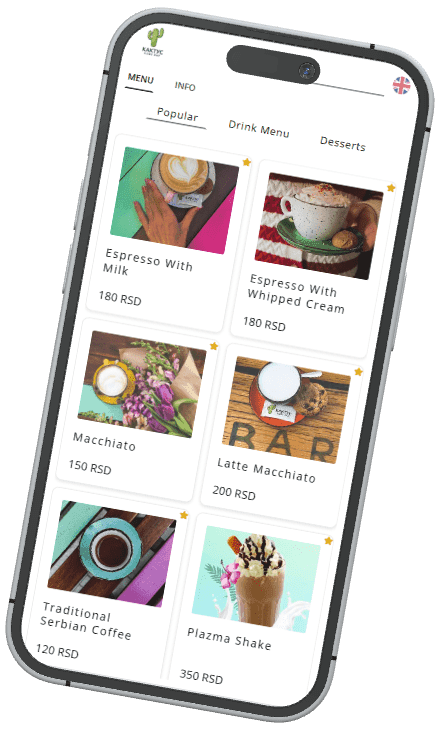
Guests simply scan a QR code and view the complete menu directly from their mobile device — without waiting and without printed price lists.
Update prices, add new products or highlight promotions with a single click. Detailed descriptions and photos help guests choose more easily, speed up ordering and reduce communication errors.
For you, this means lower costs, faster and more efficient service, direct communication with guests through notifications and a modern digital image for your venue.
Free Trial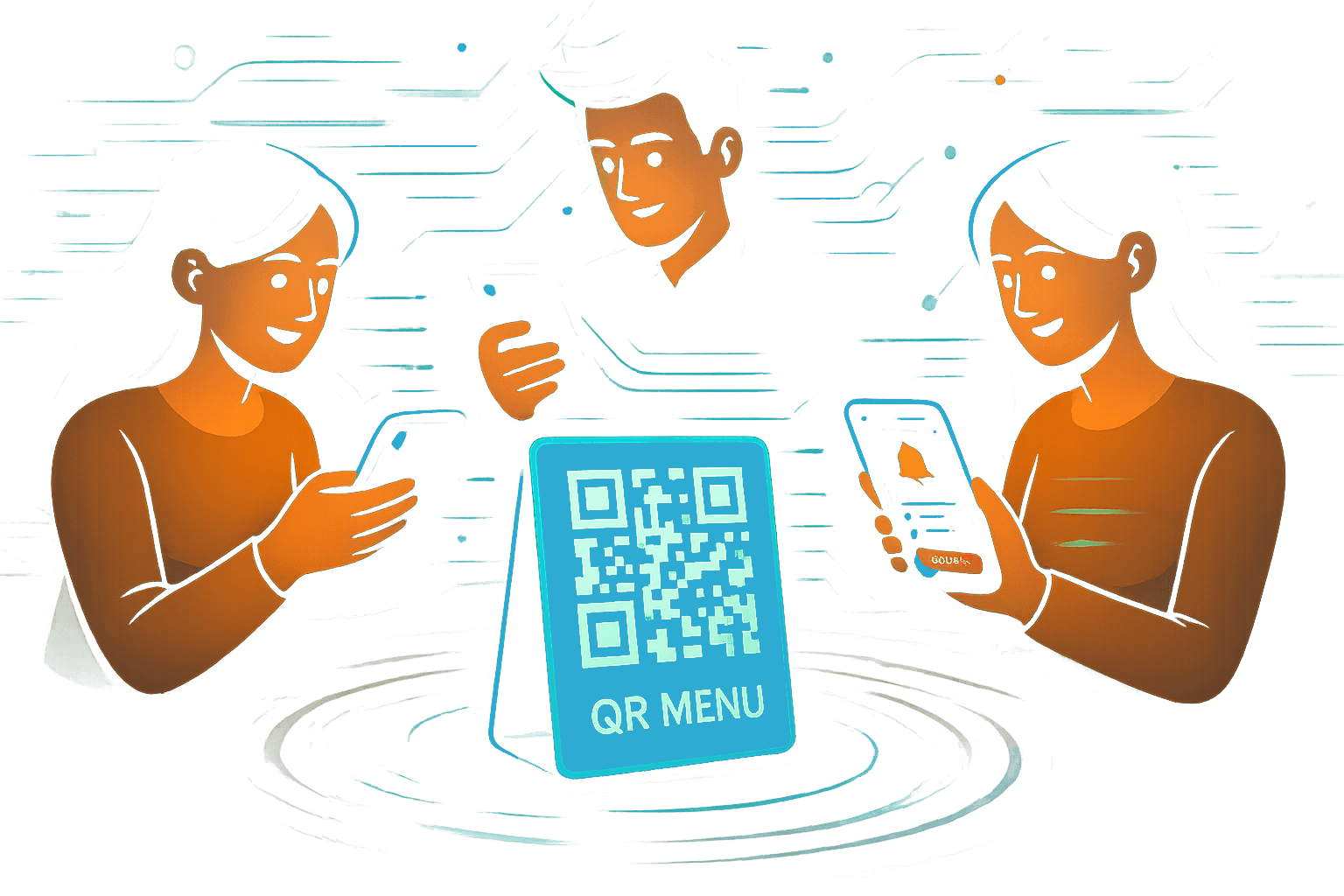
Smart QR menu
A modern software platform for digital guest interaction
Optimized for mobile devices
Access to the menu by scanning a QR code with a mobile device.
Menu language selection.
Overview of categories and subcategories with images and descriptions.
Real-time updates
Add, edit or remove products, categories and subcategories in real time.
Temporarily hide unavailable items and highlight special offers in separate sections.
Marketing and promotions
Stay connected with guests even when they are not in your venue through notifications and promotional messages.
Highlight links to social media, your website and reviews to strengthen guest relationships.
Track menu views, product views and guest activity through detailed analytics.
Interactive audio module
Allow guests to interactively participate in choosing audio content from your existing lists.
Guests select content from your audio catalog through the software interface.
Info and Feed
Inform guests about important details — from working hours to Wi-Fi access.
Display news, updates and promotions directly through integrated information sections.
Modular and flexible
Full control of digital content at any time.
A simple interface for enabling, disabling and customizing modules according to your needs.
How the QR menu works
Three simple steps toward modern service
The guest scans the QR code
The guest scans the QR code and accesses the digital menu from their mobile device.
Content browsing
After accepting notifications, the guest browses the full menu and selects products.
Interaction and information
The guest uses interactive features, receives promotional notifications and accesses additional digital content.